| Software | BitScope DSO | Online Demo |
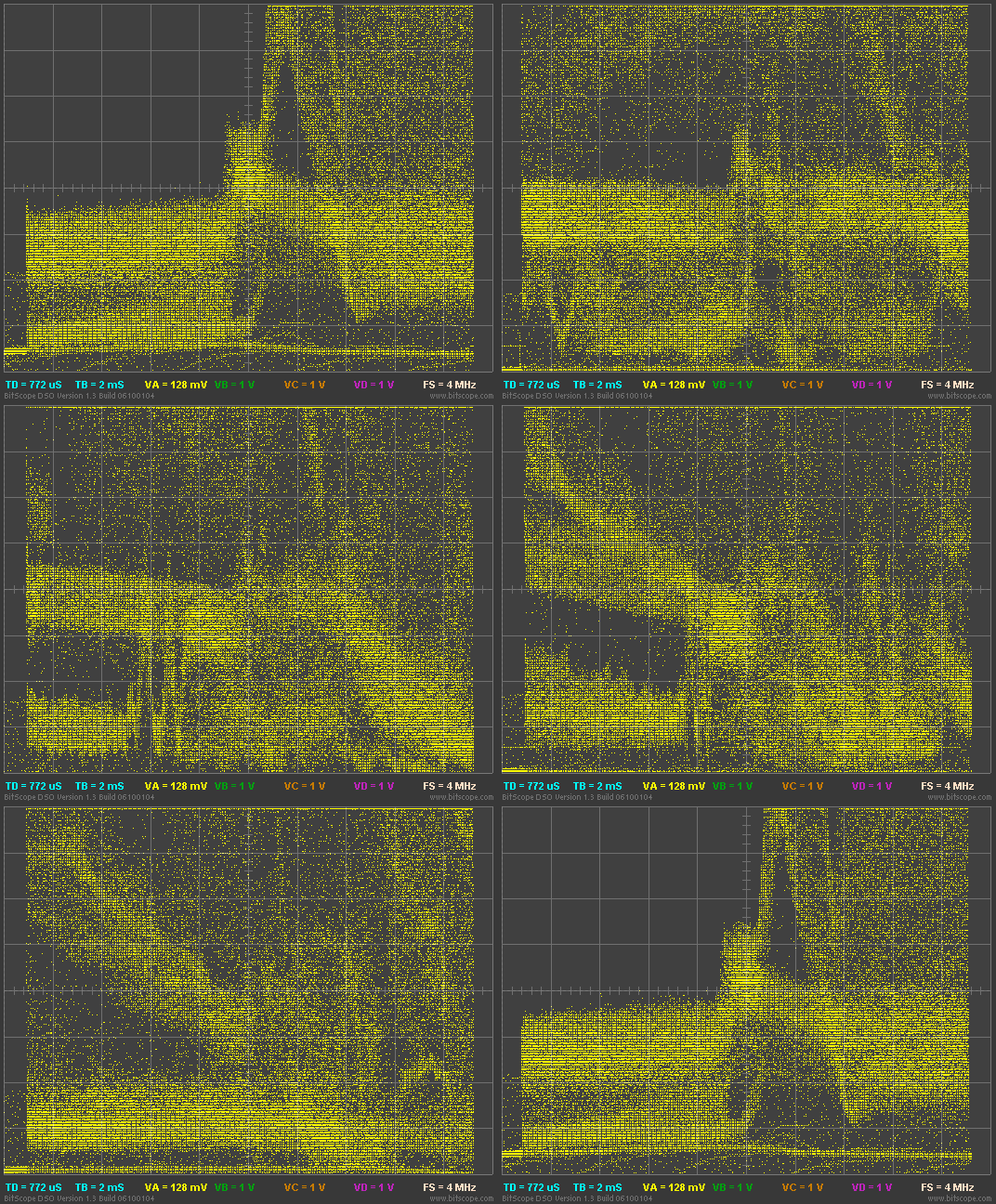 This display export shows a PAL video signal from a camera zooming out on a moving image. The file that was used to create this example is called video.csv in the Offline Examples. For details about how to play this on your own PC, read the Sydney BitScope page. We'll leave this one as a challenge for you to work out how to set up and display it as shown in the animation. It's tricky but it can be done quite easily when you're familiar with the DSO! See if you can identify individual video lines in the signal and find the colour bursts. As you will see, while identifiable they are not very clear. This is because the sample rate is too low (4MS/s). It is however possible to view an individual video lines and even see the colour burst quite clearly when caltured at 40MS/s. To do this you need to use the time focus control while viewing a live video signal (ie, not a recording in this case). With a time focus set appropriately and a higher sample rate, the capture shows the line of interest making is possible to see the high frequency components of live video. |
Copyright © 2023 BitScope Designs